As an Amazon Associate, we earn from qualifying purchases. Some links on this site are affiliate links at no extra cost to you. Our recommendations are based on thorough research and editorial judgment.

How To Cool AV Rack?

To cool your AV rack, we should start by understanding heat generation from components. Implement these strategies: Utilize passive cooling by ensuring sufficient airflow through vents and open spaces. For dense setups, consider active cooling with fans placed at the bottom for intake and the top for exhaust. Avoid stacking equipment too closely to minimize hot air recirculation. In conclusion, enhance ventilation by using perforated doors. Follow along for more detailed insights on effective cooling methods.
Key Takeaways
- Utilize passive cooling by ensuring open airflow through ventilation holes and avoid overloading the rack with excessive equipment.
- Incorporate active air cooling with strategically placed intake fans at the bottom and exhaust fans at the top for efficient heat removal.
- Consider liquid cooling in high-density setups for superior heat management beyond passive and active solutions.
- Ensure proper cable management to prevent airflow obstruction and maintain clear paths for cooling.
- Space equipment adequately, utilizing no more than 75% of vertical space to enhance circulation and airflow effectiveness.
Understanding Heat Generation in AV Racks
When we think about AV racks, heat generation is a crucial factor that can’t be overlooked. The power consumption of our electronics directly correlates with heat output, meaning higher wattage components create more heat. This is especially true for power amplifiers and faster microprocessors that increase heat accumulation, leading to dense heat pockets.
To manage this, we need to understand airflow dynamics. In enclosed spaces, heat rises quickly and can stress components, risking failure. Ensuring proper ventilation is essential. Avoid dense packing of equipment and keep airflow paths clear of clutter. By allowing cooler air to replace warmer air, we can notably reduce operational temperatures, enhancing performance and longevity of our valuable AV gear. Additionally, consider using wireless technology to reduce the number of cables, which can improve airflow and minimize heat buildup in your AV rack.
Types of Cooling Methods for AV Equipment
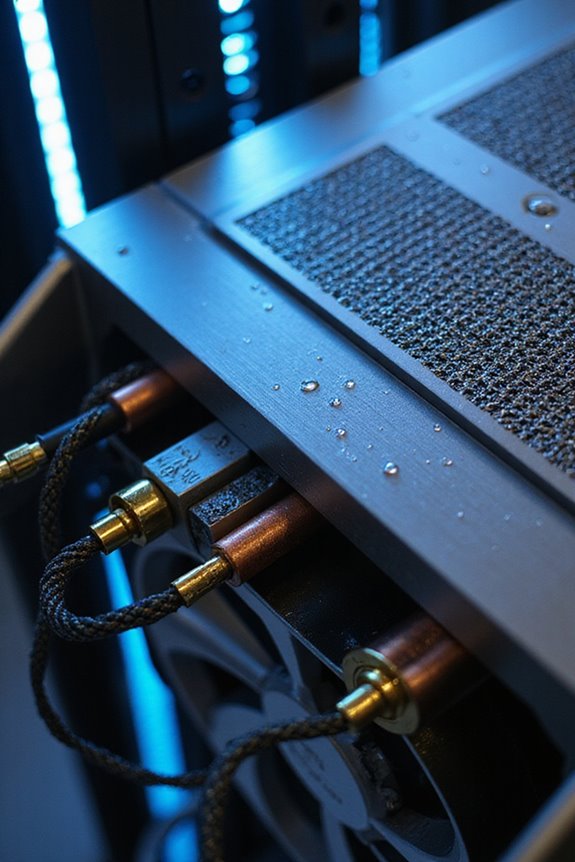
Cooling methods play a significant role in maintaining the ideal functioning of our AV equipment. Let’s explore the main types of cooling methods to contemplate:
- Passive Cooling:
- Utilizes natural airflow, relying on cabinet designs with ventilation holes and open spaces.
- Can reduce energy use by up to 80%.
- Uses fans for airflow; intake fans draw in cool air, while exhaust fans remove hot air.
- Best for dense setups exceeding passive capacity.
- Circulates chilled water or refrigerant to efficiently target and cool components.
- Ideal for high-density AV environments needing advanced thermal management. Additionally, it’s important to consider the advanced surround sound formats your AV receiver supports, as high-performance equipment can generate more heat.
- Intake fans should be installed near the bottom to draw in cool air, while exhaust fans go at the top to expel warm air.
- Maintain several inches of space around equipment for unobstructed airflow.
- Organize cables thoughtfully to prevent blocking vents.
- Consider placing fans directly above heat-generating components for targeted cooling.
- Use fans with variable speed controls or temperature sensors for adjusting airflow based on heat levels.
- Additionally, selecting high-quality audio systems can help reduce heat generation by optimizing performance and efficiency.
- Underestimating Heat Output: Modern electronics, including digital amplifiers, can produce significant heat, even at lower volumes. Always assess the total power profile.
- Stacking Equipment: Piling components may cause hot exhaust from lower units to enter the intake vents of those above, creating inefficiencies in heat dissipation.
- Poor Room Cooling: Relying solely on passive convection in poorly ventilated areas can lead to thermal resistance, especially if the room temperature rises.
- Incorrect Vent Placement: Make certain vent arrangements don’t allow hot air to recirculate, minimizing effective airflow and overheating risks.
- Space your equipment to use no more than 75% of vertical space, promoting circulation.
- Position devices to intake cool air from the front while exhausting warmer air out the back.
- Use perforated doors for better airflow.
Optimal Fan Placement and Airflow Strategies
Achieving ideal airflow within your AV rack is essential for preventing overheating and ensuring the longevity of your equipment. We’ve got to think strategically about fan orientation and airflow direction. Here are some effective strategies:
Common Mistakes in Cooling AV Racks
Proper airflow management isn’t just about fan placement; it’s also about avoiding common pitfalls that can lead to overheating and compromised equipment. Here are a few mistakes to watch for:
Additionally, ensure that proper cable management is maintained to avoid obstructing airflow around your AV equipment. Stay mindful of these common mistakes!
Benefits of Passive Vs Active Cooling Techniques
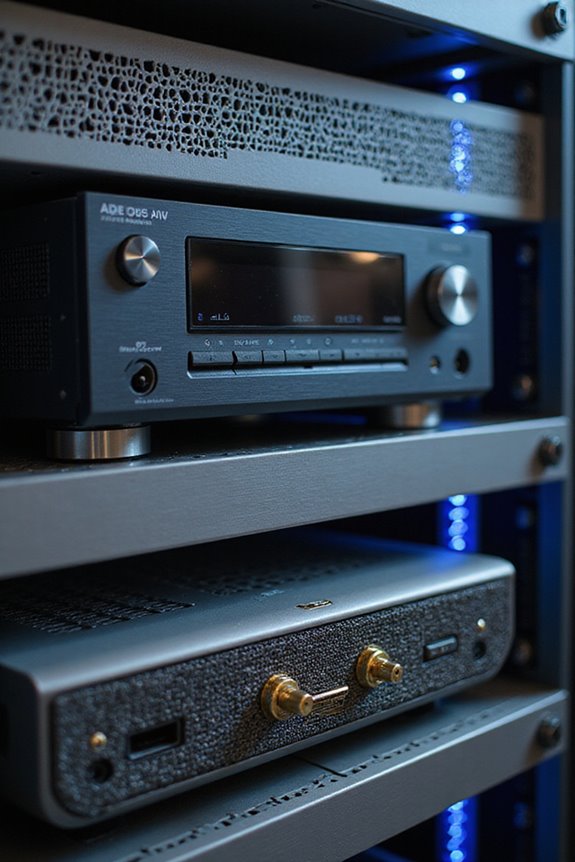
When considering how to cool your AV rack, it’s crucial to weigh the benefits of passive versus active cooling techniques. Passive cooling, which relies on natural airflow, often offers impressive cooling efficiency. It’s generally quieter, requires less maintenance, and has a lower environmental impact since it doesn’t use power. However, it may be less effective for high-density setups due to slower heat dissipation.
On the other hand, active cooling actively removes heat using fans or air conditioning. This method allows for more consistent temperatures in densely packed racks but can produce noise and consume more energy. Ultimately, your choice will depend on your specific setup, budget, and noise tolerance, ensuring you create the ideal environment for your AV equipment. Additionally, considering features like battery performance can help you optimize the overall functionality of your AV rack.
Enhancing Rack Design for Improved Ventilation
To create an effective cooling environment in your AV rack, you’ll want to contemplate design elements that enhance ventilation. A well-thought-out rack enclosure design is essential. Start by sealing your rack completely, adding vent panels at the bottom front to capitalize on natural airflow.
Consider these airflow management techniques:
Finally, keep in mind the importance of aligning vent panels with equipment exhaust patterns for maximum efficiency. By implementing these strategies, we’ll improve the cooling performance of our AV racks together.
Advanced Equipment for Efficient Cooling Solutions
For anyone looking to enhance cooling efforts in their AV rack, investing in advanced equipment can make a significant difference.
Rack Mounted Systems
These units are perfect for mission-critical AV applications, providing cooling capacities ranging from 7,000 to 18,766 BTU. They save valuable floor space and run 24/7—ideal for anyone who needs reliable performance.
Precision Cooling Solutions
Positioned between racks, they target hot spots directly. This reduces airflow loss and guarantees efficiency while maintaining lower noise levels. Quick temperature adjustments and intuitive controls can easily fit into your setup.
Specialty AV Cooling Systems
These units protect sensitive equipment by maintaining ideal temperature and humidity levels. They come in various capacities and even include free shipping, making them a practical choice for any dedicated AV environment.
Frequently Asked Questions
How Do I Choose the Right Cooling Method for My Specific AV Setup?
When we assess our AV setup, we need to contemplate rack temperature and equipment layout. We should blend passive and active cooling methods to guarantee everything runs smoothly without overheating—just like fine-tuning a beloved vintage stereo system.
Can I Use Natural Ventilation Instead of Fans for Cooling My Rack?
Yes, we can definitely use natural ventilation instead of fans for cooling our rack. By promoting natural airflow and ensuring proper temperature control, we create an efficient, quiet environment that benefits our AV setup together.
What Are the Signs That My AV Equipment Is Overheating?
We can spot overheating symptoms by noticing system crashes, distorted audio, flickering screens, and loud fan noise. Ignoring these signs can shorten our equipment lifespan, so let’s stay vigilant to protect our gear together!
How Often Should I Clean or Maintain My Cooling Equipment?
We should aim for a maintenance frequency of every 3 to 6 months. By following effective cleaning tips, like using compressed air and soft brushes, we’ll keep our cooling equipment running smoothly together.
Are There Any DIY Solutions to Improve Cooling Without Spending Much?
We can use creative heat exchanger designs and passive airflow techniques, like installing inexpensive fans or optimizing rack placement. Together, we’ll keep our equipment cool without breaking the bank—let’s thrive in our tech-savvy community!