As an Amazon Associate, we earn from qualifying purchases. Some links on this site are affiliate links at no extra cost to you. Our recommendations are based on thorough research and editorial judgment.

What Is A Capture Card For Streaming?

A capture card is essential for streaming, allowing you to capture high-quality video and audio from various sources. They convert incoming signals into digital formats for seamless recording or live streaming. With options like internal or external designs and connections through HDMI or USB, they’re versatile tools. Key features include support for 4K resolution, low latency, and multi-source capabilities, enhancing your streaming quality. Let’s explore how these features can elevate your content creation!
Key Takeaways
- A capture card captures and streams high-quality video/audio, converting signals into a digital format for recording or live streaming.
- It connects to gaming consoles or PCs via HDMI and transmits data through PCIe or USB interfaces.
- Capture cards support 4K resolution at various frame rates, enhancing visual clarity for streaming content.
- They enable mixing multiple video sources, improving engagement and allowing dynamic content creation for streamers.
- Essential for platforms like Twitch and YouTube Live, capture cards enhance streaming quality and maximize potential earnings for content creators.
Definition of a Capture Card
A capture card is an important tool for anyone looking to capture and stream high-quality video and audio from various external sources, like game consoles or cameras. It serves as a bridge, converting incoming signals into a digital format for recording, editing, or live streaming.
As we’ve seen in capture card history, these devices have evolved considerably. Early models offered basic functionality, but recent capture card innovations allow for stunning video quality and seamless integration with streaming software.
By using a capture card, you can:
- Capture gameplay from consoles like PlayStation and Xbox.
- Stream high-quality feeds from professional cameras.
- Enable multiple video sources for tailored streaming experiences.
This equipment is crucial for content creators seeking to elevate their projects. Additionally, a high-quality audio projection can enhance the overall viewer experience, making your streams more engaging and enjoyable.
How Capture Cards Function
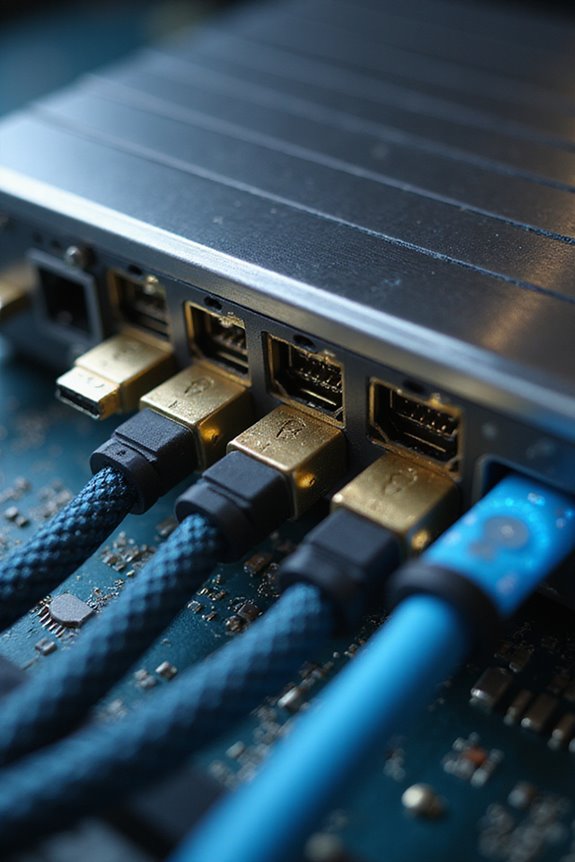
When considering how capture cards function, it’s important to understand their role in processing video and audio signals from external devices. Here’s a quick functionality overview for you:
- Signal Reception: Capture cards receive unencrypted signals, typically via HDMI, which include both video and audio streams. They act as a pass-through to your display for real-time viewing.
- Signal Processing: The cards convert these signals into a digital format, using compression and encoding (like H.264 or H.265) to guarantee efficient handling by your computer.
- Data Transfer: The processed data is sent to your computer through PCIe for internal cards or USB for external ones, guaranteeing low latency. Additionally, 4K resolution ensures that high-quality visuals are captured and streamed effectively.
Types of Capture Cards
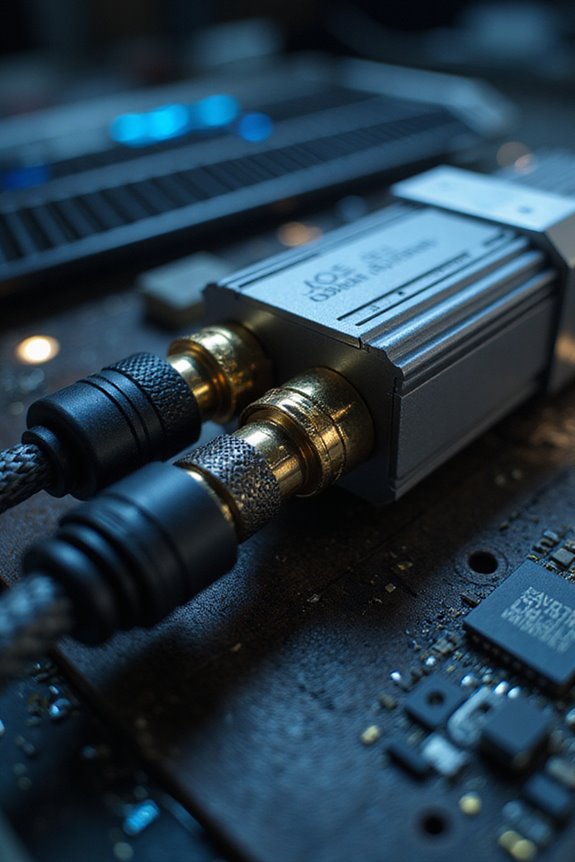
Understanding the different types of capture cards is essential for optimizing your streaming setup. There are two main categories: internal and external capture cards.
Internal Capture Cards:
- Installed inside your desktop, offering low-latency performance.
- Ideal for high-quality streams, often supporting 4K and 8K resolution.
- Typically used by professional streamers.
External Capture Cards:
- Connect via USB 3.0, USB-C, or Thunderbolt.
- Portable and easy to use with various devices.
- Great budget options are available, like the NearStream CCD30.
USB vs. HDMI Capture Cards:
- USB cards are universally compatible and often plug-and-play.
- HDMI cards capture high-quality footage from consoles or cameras.
Choosing the right card will enhance your streaming experience, fitting your unique needs and budget. Additionally, selecting a card with efficient battery performance can ensure uninterrupted streaming during long sessions.
Connection Interfaces for Capture Cards
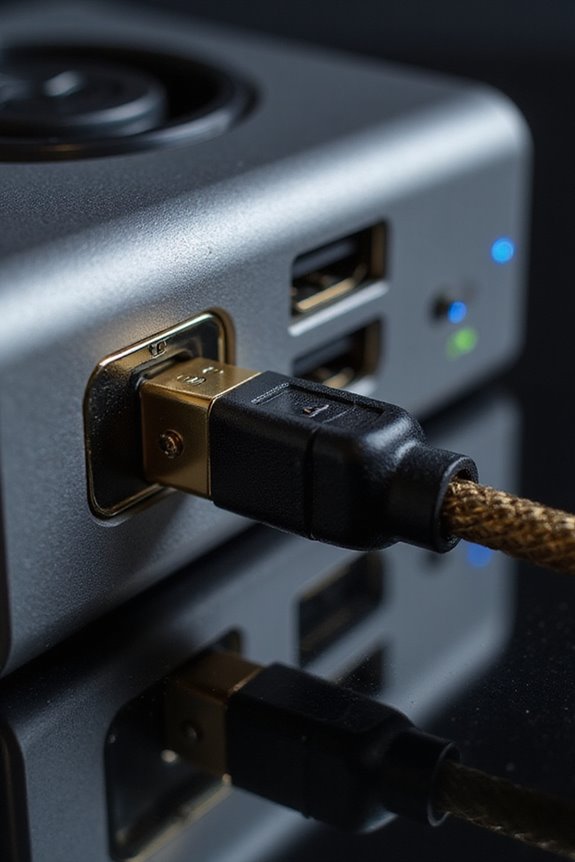
Connection interfaces are essential for ensuring your capture card works seamlessly with your streaming setup. We have multiple connection types, each with its own strengths.
- PCIe cards offer internal installation via motherboard slots, allowing multiple video sources to be captured simultaneously with low latency.
- USB capture cards are external, easily portable, and work well for casual streaming, though they’re limited in multi-source capture.
- HDMI ports are the standard for transmitting video and audio from devices, while Thunderbolt allows for high-speed data transfer and multiple device connections. Additionally, understanding the importance of brightness levels can enhance your overall streaming quality by ensuring optimal visual performance.
Understanding interface compatibility helps you choose the right capture card for your needs and can greatly improve your streaming experience. Choose wisely to connect your devices effectively!
Advantages of Using a Capture Card

A capture card can significantly enhance your streaming setup by improving both stream quality and performance. By offloading video encoding, it maintains high-quality streams without overloading your gaming PC or console. Here are some key advantages:
- Performance Benefits: It supports 4K resolution at 60 FPS, ensuring your streams look crisp and clear. Ultra-low latency transmission means lag-free gameplay, ideal for fast-paced gaming.
- Content Production: You can easily capture and mix multiple sources, including cameras and game feeds, for dynamic content. The dedicated hardware helps prevent overheating and reduces crashes during long sessions. Additionally, using a capture card allows for high brightness levels that improve visual clarity, making your streams even more engaging.
Common Use Cases for Capture Cards
When it comes to streaming, there are several common use cases for capture cards that can enhance your experience and output. Primarily, they allow you to capture and stream gameplay from consoles like PlayStation, Xbox, and Switch. By offloading video encoding, they prevent lag during your gameplay sessions.
Capture cards are also vital for streaming PC gameplay in dual-PC setups, providing higher-quality footage than software-only methods. They even enable you to use DSLR cameras for professional live broadcasts, greatly improving your production value.
Additionally, capture cards support mobile streaming from smartphones, which broadens your options as a content creator. This flexibility is essential in today’s ever-evolving gaming and streaming setups, allowing us to connect and engage seamlessly.
Setup Requirements for Capture Cards
Setting up a capture card for streaming can seem intimidating, but with the right information, we can simplify the process. Here are some key setup considerations:
- Hardware Connections: Confirm your primary device has an HDMI output that matches the capture card input. Use two HDMI cables; one for the device to the capture card, and another from the capture card to your monitor. Connect the capture card to your streaming PC via a USB port or PCI-E slot.
- Software Installation: Download the manufacturer’s drivers and commonly used streaming software like OBS Studio. Add the capture card as a video source, and remember to set up your audio inputs separately.
- Optimal Configurations: Disable HDCP on your device, test for latency, and adjust video/audio settings for your ideal streaming setup.
Integration With Streaming Software
Integrating a capture card with your streaming software doesn’t have to be an intimidating task; in fact, it can enhance your overall streaming experience greatly. Most capture cards support popular software like OBS Studio, Streamlabs, and XSplit, ensuring strong software compatibility.
To add your capture card, simply select “Add Source” and choose “Video Capture Device.” Naming your source clearly can help manage inputs efficiently. You might face integration challenges, like ensuring your audio feed captures correctly with a separate “Audio Input Capture.” Visual indicators in the software will confirm successful integration, so you can monitor everything seamlessly.
Supported Resolutions and Frame Rates
Understanding supported resolutions and frame rates is essential for maximizing your streaming quality. Most capture cards today commonly support up to 4K resolution at 60 FPS, which is a great starting point. If you’re aiming for the best experience, high-end models handle 4K at 120 or even 144 FPS, perfect for smooth gameplay.
Here’s a quick breakdown to keep in mind:
- 4K at 60 FPS is standard;
- 1080p often reaches up to 120 FPS;
- Some cards can even manage 8K at 60 FPS for future-proofing.
Keep in mind, resolution limitations and frame rate optimizations depend on the card’s hardware and software, so make sure to choose wisely for your needs.
Enhancing Video Quality With Capture Cards
When you choose a capture card, optimizing video quality becomes a priority for achieving the best streaming experience. Here are some key aspects to evaluate:
- Color Accuracy: Selecting the right video format improves color representation, enhancing vibrancy.
- Chroma Subsampling: Higher settings preserve more color information, boosting image sharpness.
- Latency Reduction: Hardware encoding minimizes CPU load, balancing real-time performance with quality.
- Signal Integrity: Using quality HDMI cables maintains clarity by avoiding signal degradation.
- Progressive Scan: This keeps image clarity superior compared to interlaced output.
Future of Capture Cards in Streaming
As we look ahead, the future of capture cards in streaming is becoming increasingly exciting and vital. With the growing popularity of platforms like Twitch and YouTube Live, the demand for high-quality content creation tools is on the rise.
Key advancements we can expect include:
- Higher Resolutions: Capture cards are supporting 4K and beyond for ultra-high-definition streaming.
- Low Latency: Enhanced encoding features will deliver better real-time streaming quality.
- Broader Compatibility: More devices, from gaming consoles to smartphones, will be supported.
- Content Monetization: As creator opportunities expand, capture cards will play an important role in helping you maximize your earnings.
Frequently Asked Questions
Can Capture Cards Be Used for Video Conferencing?
Absolutely, we can use capture cards for video conferencing! They greatly boost video quality, ensuring our calls on various streaming platforms look professional and polished, making every virtual meeting feel more engaging and authentic.
How Do I Troubleshoot Capture Card Connection Issues?
So, our capture card magically disappears? Let’s check those connection types first. Then, let’s update drivers together, ensuring everything’s fresh. We’re in this troubleshooting journey as a team—no connection issue can stop us!
Are Capture Cards Compatible With Mobile Devices?
Yes, capture cards can work with mobile devices, but it’s essential to take into account device compatibility. Many modern smartphones support mobile gaming streaming through capture cards, enhancing our gaming experiences when properly connected and configured.
Do Capture Cards Require Specific Software to Operate?
Yes, capture cards require specific software to operate effectively. By ensuring software compatibility, we enhance our streaming performance, allowing us to create stunning content together, enjoying seamless integration and a smoother streaming experience with our viewers.
Can I Use Multiple Capture Cards Simultaneously?
Yes, we can use multiple capture cards simultaneously! By optimizing our setups, we can notably enhance our streaming quality, revealing new possibilities for our content. Let’s explore the best configurations together for an amazing experience!