As an Amazon Associate, we earn from qualifying purchases. Some links on this site are affiliate links at no extra cost to you. Our recommendations are based on thorough research and editorial judgment.

How To Reduce Hum In Speakers?

To reduce hum in your speakers, we should start by addressing potential ground loops. Make certain to use high-quality, shielded cables, as these can minimize noise. Disconnecting devices can help isolate the issue to specific components. Routinely check connectors for corrosion and verify they’re secure. Keep audio cables away from power sources to limit electromagnetic interference. If the hum persists, consider employing ground loop isolators. Let’s explore more detailed strategies to achieve clearer audio quality.
Key Takeaways
- Use high-quality, shielded cables to minimize electromagnetic interference and prevent hum in speakers.
- Ensure all audio equipment is connected to a single power outlet to reduce ground loop issues.
- Regularly inspect and clean connectors and cables to ensure secure connections and avoid corrosion.
- Opt for balanced cables (like XLR or TRS) to decrease noise and improve audio quality.
- Isolate audio cables from power cables and potential EMI sources to help prevent interference.
Understanding Ground Loops
When setting up audio equipment, it’s essential to understand ground loops, especially if you’re dealing with multiple devices. Ground loops occur when several pieces of equipment share multiple grounding paths, creating a looping circuit that allows unwanted current to flow through the grounding conductors. This unwanted current can cause audible hum or buzz, degrading your audio quality.
To help with ground loop identification, consider the following:
- Check if your devices are connected to different power outlets or circuits.
- Look for differences in circuit potential; remember, even slight variances can lead to issues.
- If you notice hum linked to certain device connections, it’s likely a ground loop problem. Understanding these basics will help facilitate smoother audio performance, especially when using devices like the GooDee Smart 4K Projector that integrate multiple connections.
Ensuring Cable and Connection Integrity
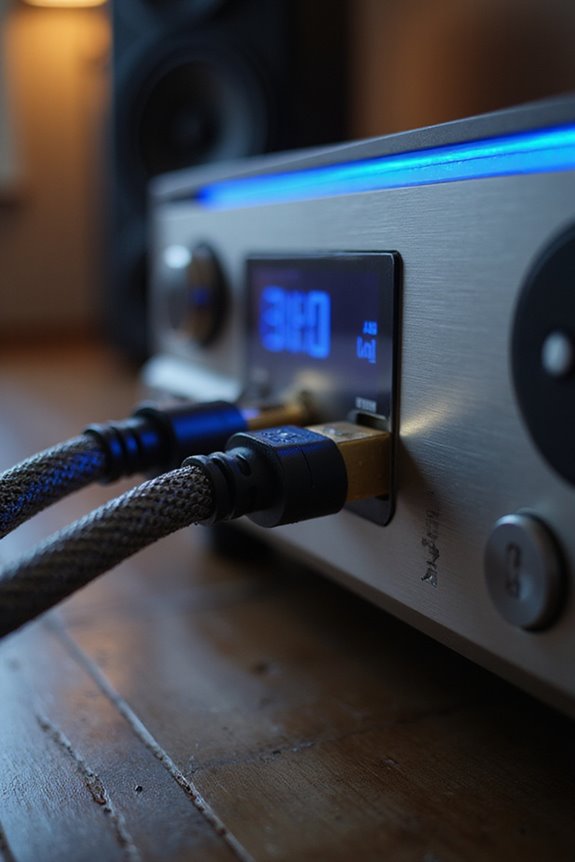
Guaranteeing cable and connection integrity is essential for ideal audio performance. We should always opt for high-quality cables with effective cable shielding, like braided or foil, to reject interference and minimize hum. Balanced cables—XLR or TRS—are particularly beneficial for this purpose.
Let’s not overlook our connectors. Regularly check for connector corrosion and guarantee they’re tightly plugged in for stable connections. If we encounter loose or oxidized connectors, it’s time to replace them. Gold-plated connectors are a reliable choice, as they resist oxidation.
Finally, inspecting cables for kinks, cuts, or wear is critical. Avoid using excessively long cables, since they can pick up unnecessary noise. By maintaining our cables and connectors, we dramatically enhance audio clarity and reduce hum. Additionally, ensuring that we use speakers with at least 100 watts of power will help minimize distortion and further improve audio quality.
Mitigating Electromagnetic Interference (EMI)
How can we effectively mitigate electromagnetic interference (EMI) in our audio setups? By understanding the sources of EMI types—like motors and switching power supplies—we can take practical steps to reduce hum.
Use Shielding Materials:
- High-quality, shielded audio cables help limit EMI pickup.
- Grounding cable shields to the chassis is critical.
Cable Routing:
- Keep audio cables away from power cables and devices like fluorescent lights.
- Shorter cables minimize EMI exposure.
Common Grounding:
- Power all devices from a single outlet to avoid ground loops.
- If that’s not possible, consider ground loop isolators. Additionally, employing high-quality audio cables can significantly enhance sound quality while reducing interference.
Managing Power Quality and Transformer Noise
Maintaining clean power in our audio systems goes hand in hand with managing transformer noise. To reduce this noise, we should consider the transformer construction first. Choose toroidal transformers for tighter core design, which inherently lowers hum.
We can also utilize isolation transformers. These effectively block voltage transients and separate our precious audio gear from noisy mains, greatly enhancing sound clarity.
Additionally, applying specialized adhesives during transformer assembly can dampen vibrations, while secure laminations and windings minimize buzzing sounds. Incorporating power conditioners, designed to rectify DC offset and enhance overall noise reduction, further guarantees quality audio. By focusing on these elements, we can create a more satisfying audio experience that keeps annoying hum at bay. Furthermore, investing in high-quality sound systems can further reduce unwanted noise and improve overall audio fidelity.
Effective Troubleshooting Techniques
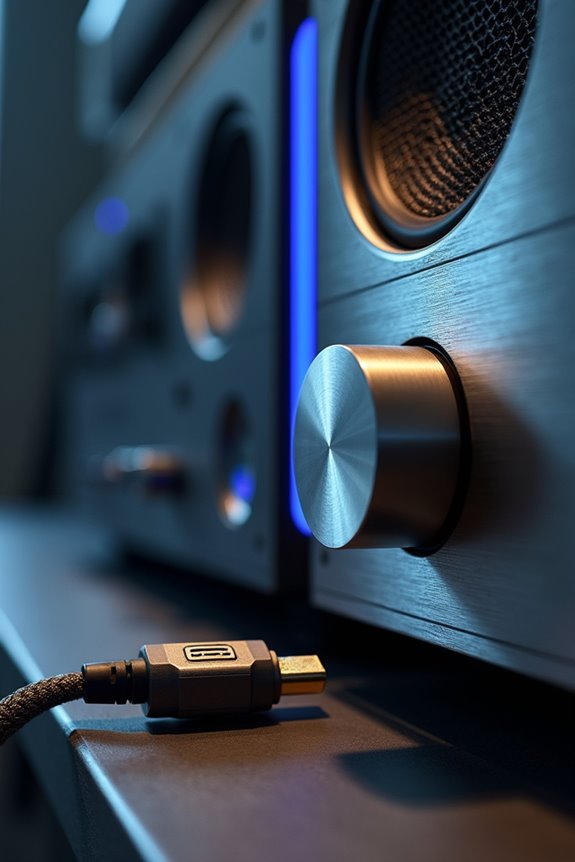
When dealing with hum in your speakers, effective troubleshooting can help pinpoint the issue. Let’s explore some useful techniques:
- Volume Adjustment: Check if the hum level changes with the volume. A volume-dependent hum suggests the issue lies before the amplification stage.
- Input Cycling: Test each amplifier input. If hum is isolated to a specific input, we might be looking at a problematic source or cable.
- Disconnect Cables: Remove all input cables and connect only the amplifier and speakers. If the hum continues, the problem could be with the amplifier or speakers.
- Cable Shielding: Upgrade to high-quality interconnect cables with proper shielding to combat interference. Additionally, consider that high signal-to-noise ratios (SNR) can significantly improve audio clarity and reduce unwanted noise in your system.
Monitoring Speaker and Component Condition
To guarantee the best audio experience, monitoring the condition of your speakers and components is essential. We need to regularly inspect for visible damage, like crack or discoloration on speaker cones. Let’s check driver functionality by ensuring there are no debris or issues affecting movement.
- Verify mounting screws are tight to prevent rattling.
- Look for air leaks in cabinets to maintain sound quality.
- Monitor wiring for corrosion or fraying, which can introduce hum.
Listening tests are crucial too. If you notice distortion or any consistent buzz, it may signal issues with the drivers or connections. By staying proactive about this maintenance, we can enhance component longevity and enjoy clearer sound without intrusive hum.
Using Ground Loop Isolators
Ground loop hum can be frustrating, especially if we’ve already checked our speakers and components for physical issues. One effective solution we can consider is using ground loop isolators. These devices interrupt electrical currents that cause 50/60 Hz hums, breaking the ground connection in our audio signal path.
Installation Tips:
- Position the isolator as close as possible to the source device.
- Use high-quality shielded cables to reduce interference.
- Test without the isolator first, making grounding adjustments.
While ground loop isolators are effective, it’s essential to choose quality models to avoid degrading sound clarity. They can be a valuable addition to our audio setups, especially when we’ve exhausted other grounding options.
Optimizing Equipment Placement
Properly positioning your audio equipment can greatly reduce hum and enhance sound clarity. Here are some tips to reflect upon:
- Maintain Distance: Keep your speakers at least 30 cm from other electronics to avoid electromagnetic interference.
- Speaker Orientation: Test different orientations to find the least hum. Position speakers away from vibration-prone devices and elevate them using isolation pads to minimize contact noise.
- Separate Cables: Run power and audio cables apart, and cross them at 90-degree angles to decrease interference.
- Consolidate Power Sources: Connect all related equipment to the same outlet to avoid ground loops.
Regular Maintenance and Inspection Practices
Maintaining our audio equipment isn’t just about enjoying great sound; it’s vital for reducing hum and ensuring reliable performance. By performing routine checks, we can secure all connections, wiggle cables during playback to spot loose contacts, and replace any damaged cables promptly. High-quality, well-shielded cables with gold-plated connectors help minimize interference.
Additionally, regular equipment cleaning is essential. We should clean turntable cartridges and amplifier components to prevent noise from dirt build-up. Dusting our equipment and inspecting it for worn-out cables or faulty drivers can keep everything functioning smoothly.
Let’s remember to connect all equipment to a single power outlet and keep cables separate from other electrical devices to minimize ground loops. Together, we can keep our sound systems humming along beautifully.
Frequently Asked Questions
Can Ambient Temperature Affect Speaker Performance and Hum Levels?
Yes, ambient conditions and temperature fluctuations can greatly impact speaker performance and hum levels. We’ve experienced how varying temperatures alter sound clarity, so it’s vital for us to monitor these environmental factors for ideal audio enjoyment.
How Often Should Audio Cables Be Replaced for Optimal Performance?
Think of our audio cables as cherished instruments; with time and use, they wear down. For ideal performance, we should replace them every 5–10 years depending on cable quality and conditions. Together, let’s preserve our sound!
Do Different Speaker Types Have Varying Susceptibility to Hum?
Yes, different speaker types do have varying susceptibility to hum. Passive speakers, for instance, can be more prone to amplifier interference, impacting sound quality. Together, let’s explore how each type behaves in our audio setups!
Can Software Settings Impact Speaker Hum or Noise Issues?
Absolutely, we can explore how software adjustments, like noise filters, can enhance our audio experience. By fine-tuning these settings together, we might just create a symphony of sound that truly resonates with us.
What Role Does Speaker Age Play in Noise Problems?
As speakers age, their lifespan shortens, often leading to old components that degrade over time. We share this experience; mechanical wear and electrical issues can considerably increase noise problems, affecting our listening enjoyment together.