As an Amazon Associate, we earn from qualifying purchases. Some links on this site are affiliate links at no extra cost to you. Our recommendations are based on thorough research and editorial judgment.


Do Expensive HDMI Cables Matter

Expensive HDMI cables can make a difference in your audio and video experience. They often feature superior build quality, like oxygen-free copper conductors and better shielding, which helps reduce interference. These cables support higher bandwidths, essential for 4K and beyond, ensuring reliable signal transmission. While budget options may suffice for basic setups, investing in high-end cables is smart for demanding environments, especially with multiple devices. Keep exploring to understand how to choose the right HDMI cable for your needs.
Key Takeaways
- Expensive HDMI cables often include advanced materials and build quality, enhancing durability and performance over time.
- Certification is crucial; high-end cables ensure compliance with performance criteria, reducing interference and improving reliability.
- Both inexpensive and premium cables can effectively handle 4K at 60Hz if they meet specifications, making price less critical for basic use.
- Higher bandwidth capabilities in expensive cables are essential for future-proofing against evolving technology and supporting advanced features.
- For long distances, premium cables maintain signal integrity better, minimizing signal loss and ensuring optimal performance in large setups.
Price Differences: Understanding the Cost Variance
When considering HDMI cables, it’s essential to understand the price differences that exist in the market. Prices typically range from $5 for budget options to over $150 for specialty cables. These differences influence your price perception and buyer behavior.
- Budget cables: Usually $5–$15; might lack certifications.
- Mid-range cables: Priced around $25; often “Premium Certified” with guarantees for performance.
- High-end options: Can exceed $100; may use advanced materials, yet performance gains are minimal.
In general, while expensive cables boast enhanced build quality and warranties, casual users often find that budget cables meet their needs. It’s vital to evaluate the purpose—most users find solid performance at lower prices without needing to overspend. Additionally, cable length can play a significant role in maintaining signal integrity, making it an important factor to consider when purchasing.
Build Quality: Materials and Construction
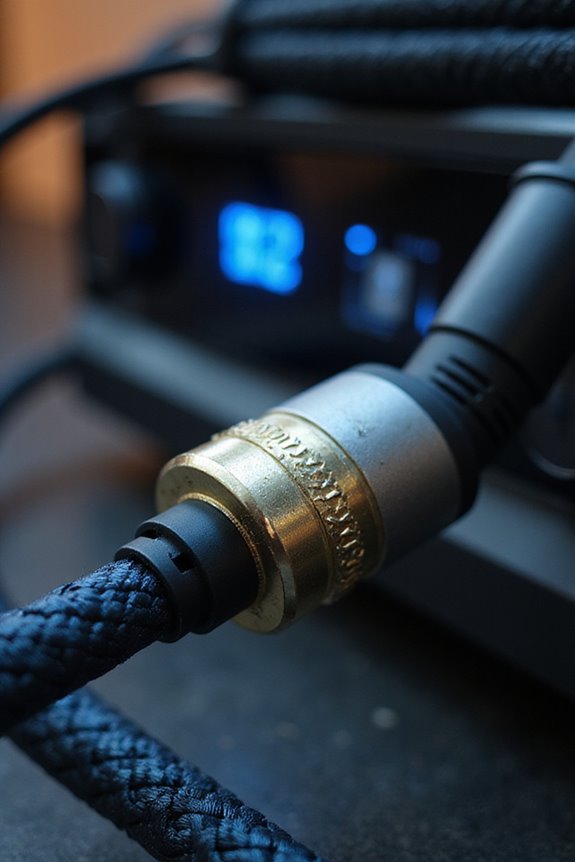
Understanding build quality in HDMI cables is essential if you want to guarantee peak performance. The right construction materials make all the difference. Higher-quality conductors, like oxygen-free copper, promote excellent signal transmission with minimal signal interference.
- Tinned copper adds durability, especially in tough environments.
- Braided shielding and aluminum foil prevent electromagnetic noise and provide mechanical strength.
Additionally, the outer jacket—whether PVC, TPE, or nylon—affects flexibility and durability, impacting how you handle your cables. For longer runs over 15 feet, thicker conductors (like 24 AWG) maintain signal integrity better than thinner ones, reducing potential issues. Furthermore, using high-quality HDMI cables rated 2.0 or higher ensures optimal performance over longer distances.
Signal Transmission: Digital Signals Explained
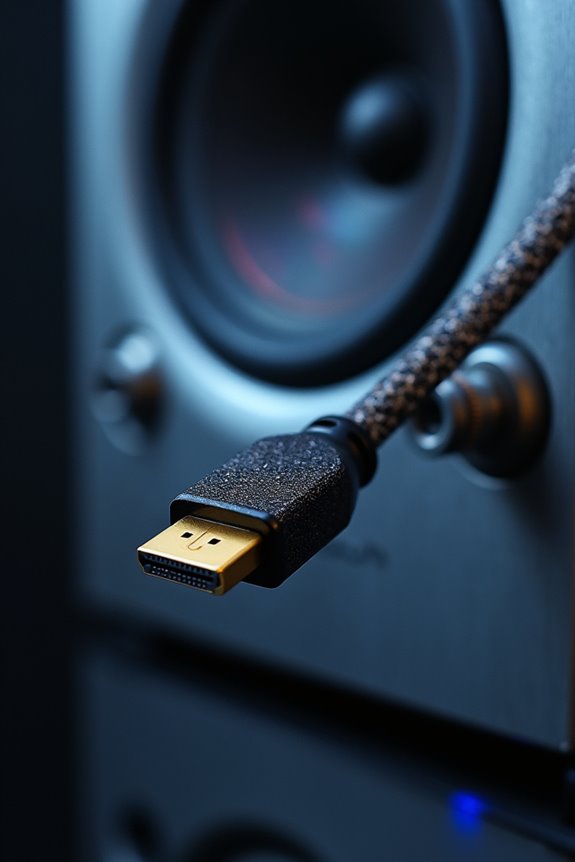
Digital signal transmission in HDMI is a fascinating process that combines audio, video, and control signals into one streamlined connection. Through digital signaling, HDMI uses Change-Minimized Differential Signaling (TMDS) over twisted pairs to maintain high data integrity.
Key features include:
- Error correction via BCH ECC parity bits, guaranteeing reliable transmission.
- 8b/10b encoding to minimize signal changes, helping protect against noise and interference.
- Structured data packets, which synchronize video and audio for smooth playback.
With communication lines like DDC and CEC, devices exchange information seamlessly, while hot plug detection guarantees your display connects properly. Understanding these elements enhances your appreciation of how HDMI maintains quality and functionality in your entertainment experience. Additionally, select HDMI switchers support 4K@60Hz video quality, which maximizes the visual experience by ensuring high-resolution transmission.
Bandwidth Capacity: Importance Over Price
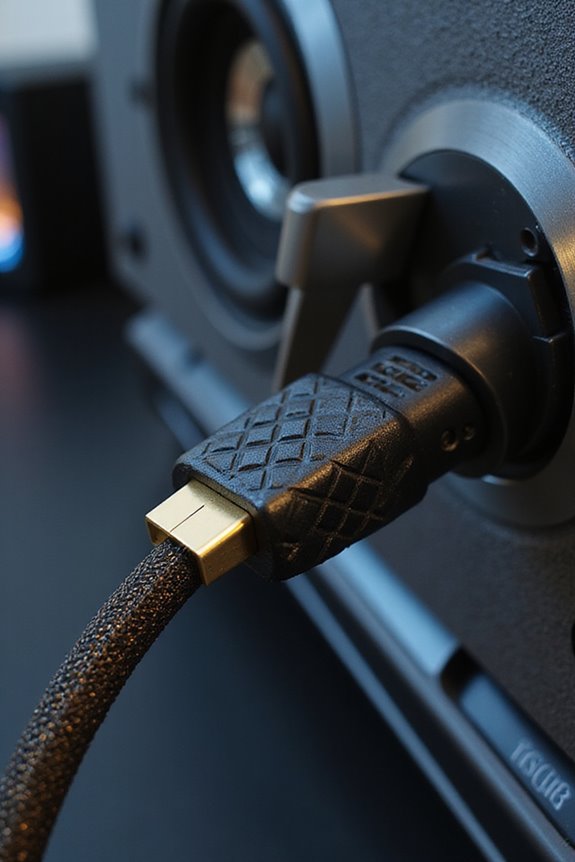
In the domain of HDMI cables, bandwidth capacity often has a more significant impact on your viewing experience than price alone. When considering which cable to buy, we should prioritize bandwidth optimization over cost. Cables labeled Ultra High Speed HDMI or Premium High Speed HDMI guarantee the right specifications for high-resolution needs, such as:
- 18 Gbps for true 4K60 Hz
- 48 Gbps for 8K60 Hz and advanced features
It’s essential to check if the cable meets the necessary bandwidth requirements. Some cheaper cables may falsely claim compatibility but lack certification, putting your setup at risk. Investing in certified cables assures stable performance, irrespective of price. For example, HDMI 2.1 certification supports dynamic HDR and improves picture quality, ensuring you get the most out of your setup. So, let’s focus on getting the right specifications to enjoy the best digital experience together.
Durability: The Long-Term Investment
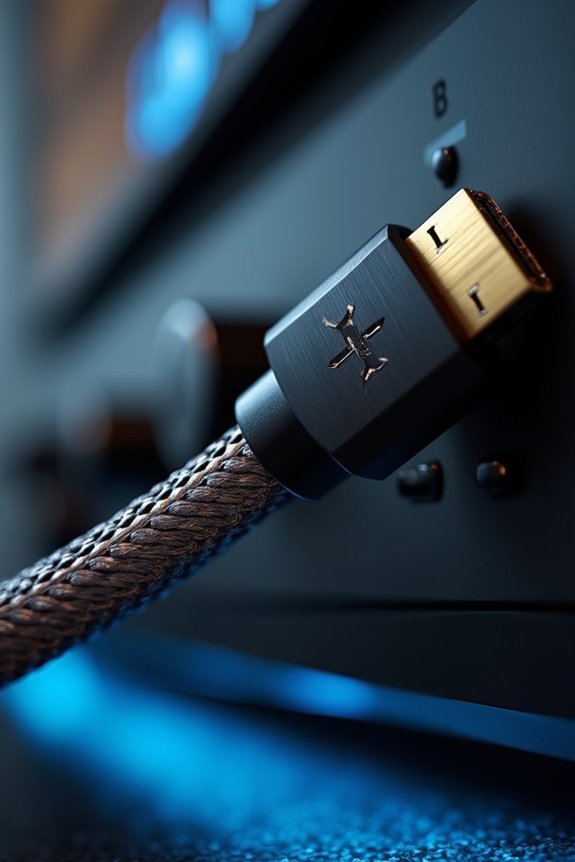
When considering HDMI cables, durability should be one of your top priorities. Investing in higher-end cables typically means long-term durability and improved investment value. These premium options often feature:
- Gold-plated connectors to resist corrosion and wear.
- Reinforced strain reliefs that handle frequent bending and pulling.
- Braided nylon exteriors with foil shielding, which protect against interference.
Additionally, many expensive cables come with extended warranties, reflecting the manufacturer’s confidence in their longevity. They’re less prone to physical deterioration, meaning you’re less likely to experience signal dropouts or connectivity issues over time. While the upfront cost may be higher, the reduced need for replacements guarantees that you’re making a smart investment in your setup’s reliability and performance. Moreover, the use of gold-plated connectors ensures a stable connection, further enhancing overall signal quality.
Certification: Ensuring Compatibility
Certification is essential for guaranteeing your HDMI cables will work seamlessly with your devices. When we talk about certification processes, we’re referring to industry standards that guarantee compatibility between cables and devices.
Here’s what you need to know:
- Compatibility Standards: Certified HDMI cables meet specific performance criteria, allowing for reliable data transmission.
- Testing Procedures: Cables undergo rigorous testing to verify they can handle various resolutions and frame rates, confirming they’ll perform as expected.
Performance: Do Expensive Cables Really Deliver?
The performance of HDMI cables often raises eyebrows, especially when it comes to the price tag. Let’s debunk some cable myths together. HDMI cables transmit digital signals, meaning if a cable meets the HDMI 2.0 or 2.1 specifications, signal quality will be consistent regardless of price.
Key points to evaluate:
- Both inexpensive and expensive cables that meet specs can handle 4K at 60Hz effectively.
- Premium cables may last longer due to better build quality, but they won’t enhance picture or sound.
- Performance benchmarks show no noticeable difference in quality between affordable and high-priced cables in controlled tests.
Ultimately, investing in an expensive HDMI cable isn’t necessary if it meets the required specifications for your needs.
Marketing Influence: Brand vs. Functionality
While many of us might assume that premium brand HDMI cables offer better performance or longevity, the reality often tells a different story. The market is filled with brands like Belkin and Sony that thrive more on marketing tactics than on actual quality.
- Brand Perception: High-price tags often create a perception of superiority.
- Consumer Confusion: Many don’t understand the differences, leading to suboptimal purchases.
- Performance Claims: These are frequently “inflated” and not tied to actual product capabilities.
- Knowledge Gap: Many buyers lack awareness, often disregarding essential specifications.
Our focus should be on functionality rather than just brand names. As market trends evolve, let’s educate ourselves to make informed choices that fit our needs without the confusion surrounding cables.
High-End vs. Budget Cables: A Practical Guide
When choosing between high-end and budget HDMI cables, understanding your specific needs is crucial. For many of us, budget performance suffices when streamlining HD content at 1080p or 4K at 30Hz. However, if you’re diving into 4K at 60Hz or HDR, opting for premium cables is advisable.
Key Points to Reflect On:
- Bandwidth Capacity: Budget cables typically support up to 10.2 Gbps, while high-end features can reach 18 Gbps or even 48 Gbps.
- Certification: Premium cables guarantee compliance, ensuring reliability and minimized interference.
- Build Quality: Premium options offer stronger connectors and better shielding, enhancing durability.
Ultimately, you can make a choice that best fits your current needs while thinking ahead for evolving technology.
Use Cases: When Quality Matters
Understanding your specific use case for HDMI cables can help you determine when quality truly matters. In long distance applications, using cables longer than 25 feet without proper shielding can lead to signal degradation. High-quality cables offer robust shielding to maintain data integrity, especially in large home theaters or professional setups.
For gaming performance, if you’re connected to the latest consoles, your cables must support high bandwidth requirements such as 8K at 120Hz. Premium HDMI cables guarantee compliance with HDMI 2.1 standards, reducing the risk of drops and artifacts.
In environments with multiple devices, building quality is essential. Sturdier cables resist wear, guaranteeing durability. Whether for gaming or vital installations, investing in quality cables pays off for consistent performance.
Recommendations: Choosing the Right HDMI Cable
Choosing the right HDMI cable is essential to guaranteeing superior performance for your devices. Start by considering the cable length; passive HDMI cables work best up to about 7.5 meters for 4K resolution. If you need longer distances, go for active HDMI cables or fiber-optic options to maintain quality.
Next, focus on connector types. Standard HDMI (Type A) suits most setups, while Mini (Type C) and Micro (Type D) work for smaller devices. Confirm compatibility without needing adapters.
Lastly, pay attention to specification labels—select cables certified for High-Speed or Ultra High-Speed for ideal bandwidth. By making informed choices, we guarantee that our devices deliver the best performance, enhancing our viewing experience together.
Frequently Asked Questions
Can I Use a Cheap HDMI Cable for My Gaming Console?
Absolutely, we can use a cheap HDMI cable for gaming, especially if it meets basic specs. They often deliver decent gaming performance, but let’s keep an eye on cable durability for the long run!
Do HDMI Cable Lengths Affect Performance?
Absolutely, long cable performance can impact our experience. We’re more likely to face signal degradation with greater lengths, so it’s essential we choose the right cable to guarantee peak picture and sound quality together.
Are There Specific Brands to Avoid When Buying HDMI Cables?
We should steer clear of no-name brands when buying HDMI cables. Budget options can work well, but we’ve noticed performance differences, especially with high resolutions. Sticking to reputable brands can save us from frustration.
Is There a Difference Between HDMI Cables for Devices and TVS?
Yes, there’s a difference. HDMI cable compatibility varies by device type, and their specifications determine performance. We should always choose the right connector type and bandwidth for our TVs and devices to guarantee ideal results.
How Can I Tell if an HDMI Cable Is Certified?
To tell if an HDMI cable’s certified, we should look for certification labels, quality indicators on the packaging, and check for the HDMI certification standards printed on the cable. It’s all about ensuring reliable performance!