As an Amazon Associate, we earn from qualifying purchases. Some links on this site are affiliate links at no extra cost to you. Our recommendations are based on thorough research and editorial judgment.


What Is HDMI CEC Adapter?

An HDMI CEC adapter enhances control over multiple HDMI devices, even if they don’t natively support HDMI Consumer Electronics Control (CEC). It allows you to use one remote for various devices, enables simultaneous power on/off commands, and supports automatic input switching when playback starts. These adapters connect via pin 13 of the HDMI connector and can help unify your entertainment experience. If you want to learn more about compatibility and features, there’s much more to explore.
Key Takeaways
- An HDMI CEC adapter facilitates communication between HDMI devices that lack native CEC support, streamlining their control and functionality.
- It allows users to control multiple devices using a single remote and powers them on/off simultaneously.
- The adapter supports automatic input switching when media playback starts, enhancing user experience during entertainment.
- HDMI CEC operates over pin 13 of the HDMI connector, using a low-speed serial bus for device communication.
- Compatibility can vary, and HDMI CEC features may be disabled by default, requiring manual activation for optimal use.
Definition and Purpose of HDMI CEC Adapters
When it comes to connecting multiple devices in your home entertainment system, HDMI CEC adapters play a crucial role. These adapters facilitate communication and control between devices that may lack native support. They enhance consumer convenience by allowing remote integration for multiple HDMI devices.
Key features include:
- Unified control for TVs, soundbars, Blu-ray players, and more.
- Simultaneous power commands, turning all devices on or off together.
- Automatic input switching when playback starts.
With an HDMI CEC adapter, you can use a single remote to manage volume, playback, and other functions, making your entertainment experience seamless. They simplify the complexities of multiple remotes and improve the overall connection, so you can enjoy your setup without hassle. Additionally, these adapters often support advanced audio formats to enhance your audio experience across devices.
Recommended Products

Connect and switch between 8 HDMI sources on 1 HDMI display
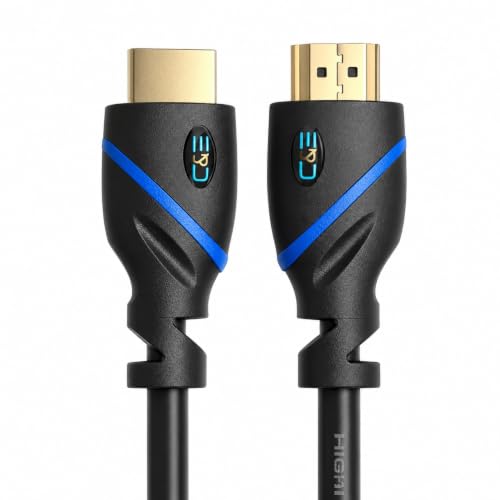
Category 2 Certified - Super High Quality HDMI Cable for 3D Tv's With 2.0/1.4a/1.4/1.3c/1.3b devices and Supports 3D Movies.
Category 2 Certified - High-Speed 18.2 gbps / 340 MHz (Supports up to 240hz Refresh Rates and 48-Bit Deep Color)
Technical Aspects of HDMI CEC Signal and Protocol
Understanding the technical aspects of HDMI CEC signals and protocols is essential for maximizing the functionality of your devices. The CEC signal operates over pin 13 of the HDMI connector, relying on a single-wire, low-speed serial bus with a bit level structure.
Key features include:
- Protocol mechanisms: Master-initiator and follower models, enabling device communication.
- Message frames: Comprising a header byte and up to 15 data bytes, all synchronized without a separate clock.
- Logical addressing: Supports up to 15 devices, dynamically assigned during initialization.
Despite its intricate design, CEC operates at a relatively low speed of about 417 bits per second, making responsiveness a challenge. Maintaining a grasp of these features will enhance your experience with HDMI devices. Additionally, understanding EDID management can help ensure compatibility across a range of devices.
Recommended Products

4K Ultra Hd 60Hz Performance: Supports 4K@60Hz, 2K, 1080p, and 3D with 18Gbps high-speed bandwidth. Compatible with Hdmi 2.0 and backward compatible with Hdmi 1.4, 1.3, and 1.2 devices. Delivers flawless signal transmission with zero lag, zero dropped frames, and crystal-clear audio via Arc.

Longer distance transmission: HDMI Fiber Optic Cable transmits signals over longer distances than regular HDMI cables without any loss of quality.

Transmission Distance: OM3 Multi Mode, up to 984ft (300M). Long distance transmission, easy link.
Functional Benefits of HDMI CEC Adapters

An HDMI CEC adapter offers numerous functional benefits that can greatly enhance your home entertainment setup. With it, you gain remote control convenience. You can manage multiple HDMI-connected devices using a single remote, reducing clutter. You’ll also experience seamless device synchronization, as input switching becomes automatic.
Key benefits include:
- Powering on/off all connected devices simultaneously.
- Facilitating volume control for soundbars through your TV remote.
- Allowing voice command integration across compatible devices.
This all-in-one system simplifies how you interact with your setup, leading to a more intuitive experience. By streamlining control functions, you avoid fumbling with multiple remotes, making your entertainment time more enjoyable and effortless. Additionally, many HDMI switchers support 4K@60Hz video quality, ensuring that you enjoy high-definition content during your viewing sessions.
Recommended Products

8x8 HDMI matrix with 4x2 video wall functionality – operates as an HDMI 8x8 matrix switch and supports displaying a single HDMI source across up to eight connected displays. Includes dual-voltage power supply with US plug; international plug adapter included.

Q-SYMPHONY: Expand your audio with the greatest duo of all time - Samsung TVs paired with Samsung soundbars; with Q-Symphony, your TV's speakers paired with Q Series soundbars work as one
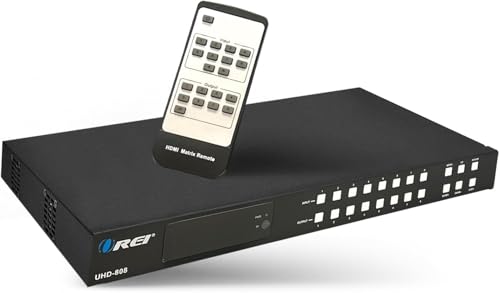
8X8 HDMI Matrix - Easily connect up to Eight HDMI input source and distribute them independantaly to any of the Eight HDMI Output Display Ports. Perfect for High speed digital performance connection between 8 sources and 8 video displays without signal degradation.
Compatibility and Implementation Considerations
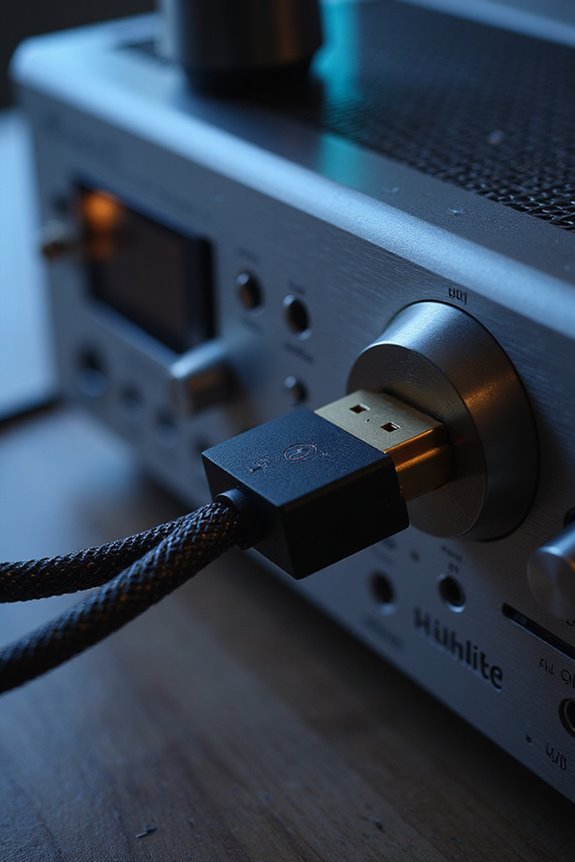
To get the most out of your HDMI CEC setup, we need to contemplate both compatibility and implementation aspects. First, let’s verify device interoperability. HDMI-CEC is brand-agnostic, so certified devices should work together, but sometimes, brands use proprietary names, complicating things.
Next, configuration complexities may arise. Often, HDMI-CEC functionality is disabled by default, requiring you to enable it in the settings. Each brand has unique steps, which can be frustrating. Although USB-to-HDMI-CEC adapters support various operating systems and HDMI versions, user experience may vary. Additionally, ensure your devices support HDMI 2.1 certification to take full advantage of enhanced features.
Finally, remember that not all devices fully implement HDMI-CEC. Some may even promote partial support, leading to inconsistent communication. So, double-check product specifications to avoid issues. This preparation enhances your overall experience.
Recommended Products
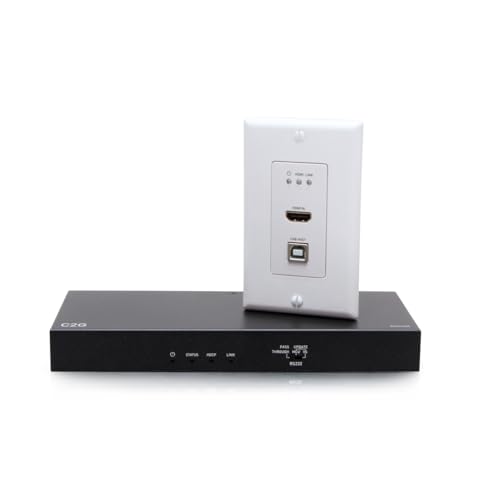
Extend 4K at 60Hz (4:2:0) up to 130ft and 1080p at 60Hz up to 230ft with Cat 6a cable

Display wirelessly to a 4K TV or monitor over Miracast. Now with upgraded resolution to support TVs and monitors up to 4K at 30fps.

USB KVM Extender 4K - Long Range Over CAT5e/6 Ethernet LAN cable up to 330 feet with Zero Latency. HDBaseT Technology for lossless and lag-free video transmission. Bi-directional IR extender control enables source device to recognize remote commands from remote display or control the remote display from the source device. The device comes with a dual voltage supply using a US plug, and an adapter/converter is provided for international use
Use Cases for HDMI CEC Adapters
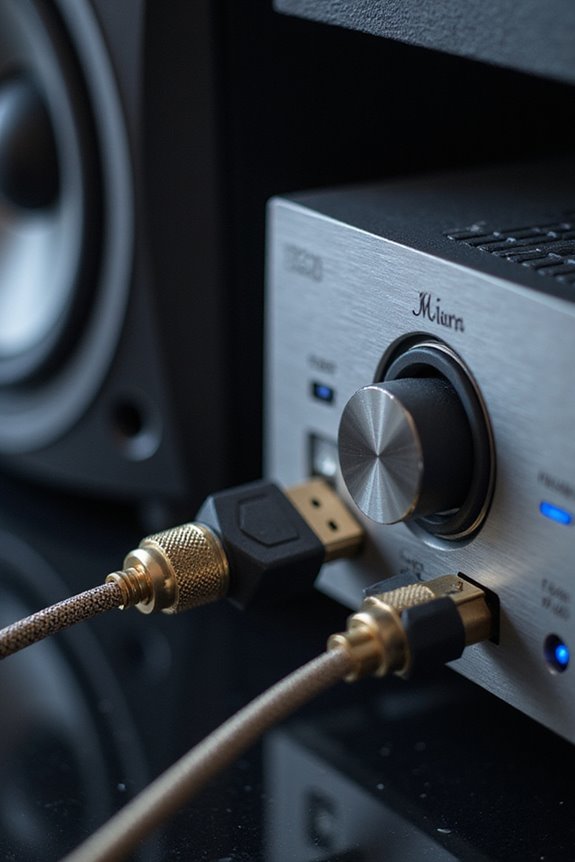
Simplified Remote Control
HDMI CEC adapters allow you to control multiple devices—like your TV, media streaming devices, and game consoles—using just one remote. This means no more fumbling with multiple remotes.
Automated Device Management
They automatically switch inputs when, for instance, you start playing a game. With features like “One Touch Play,” you can enjoy seamless changes without hassle.
Smart Home Integration
If you love automation, these adapters let PCs and smart home systems manage your devices, enhancing your entire entertainment experience. They simplify your setup, making it feel more intuitive and connected. Moreover, they can complement your HDMI splitter setup to streamline connectivity across various devices.
Recommended Products

【Dual Band】Noted:This is RX Only. RX needs to be paired with TX for use.Buy the pair package from this ASIN: B0DSZX52M7. The HDMI Wireless Receiver come with dual band chip (2.4G & 5G) and LDS antenna, which can deliver fast, stable and long-range transmission up to about 1312ft. Please pair the RX to TX when you receive the RX

🚀【8K HDMI Switch – HDCP 2.3 & Next-Gen Formats】8K 60Hz / 4K 120Hz / 240Hz, HDR10+, Dolby Vision, VRR, ALLM, Ultra-Low Latency — every next-gen format covered. Auto EDID + HDCP 2.3 ensures smooth compatibility with any device, any setup.

𝐒𝐨𝐮𝐧𝐝𝐛𝐚𝐫 𝐰𝐢𝐭𝐡 𝐃𝐞𝐞𝐩 𝐚𝐧𝐝 𝐏𝐨𝐰𝐞𝐫𝐟𝐮𝐥 𝐁𝐚𝐬𝐬: This sound bar with subwoofer is built with two full range speakers, and a 5.25 inch woofer, creating an immersive sound experience for movies, music and news.
Limitations and Challenges of HDMI CEC Adapters
When using HDMI CEC adapters, several limitations and challenges can affect your overall experience. Inconsistent support across different brands may lead to partial or non-functional CEC features. Issues arise from signal interference, particularly when using adapters, which can cause CEC signals to be ignored or misinterpreted.
Here are some specific challenges to reflect upon:
- Device conflicts might occur when multiple HDMI devices are connected, causing unpredictable behaviors.
- High-bandwidth Digital Content Protection (HDCP) can lock up CEC operations.
- Configuration complexity can arise from multiple detected adapters, complicating setup.
- Delays in command responses can mislead devices, resulting in unexpected input switches.
Understanding these limitations helps us better navigate the HDMI CEC landscape, creating a more seamless experience.
Future of HDMI CEC Adapters and Emerging Trends
As we look ahead, the future of HDMI CEC adapters is set to evolve alongside new HDMI standards and technological advancements. Key future developments include:
- Integration with HDMI 2.2 and 3.0: These standards will enable higher bandwidth, improving device interoperability and sophisticated control protocols.
- Wireless HDMI CEC adapters: By 2026, we’ll see a rise in wireless solutions featuring plug-and-play setups, noise filtering, and real-time error correction, catering to cleaner installations.
- High-performance demand: The growth of 4K and 8K formats will push manufacturers to create advanced HDMI CEC adapters tailored for esports, streaming, and multi-display environments.
With these market trends, it’s clear that HDMI CEC adapters are gearing up for a more interconnected future, ensuring seamless experiences across various AV setups.
Frequently Asked Questions
Can I Use HDMI CEC Adapters With Older HDMI Versions?
While we might hope to bridge HDMI compatibility issues with adapters, we must face reality: their limitations mean older devices often can’t support CEC. Only compatible hardware truly opens that door to unified control.
How Do I Activate CEC Features on My Devices?
To activate CEC functionality, we need to access our device settings and enable HDMI-CEC options. Let’s confirm each device’s compatibility and perform a quick restart to enjoy seamless control together!
Are HDMI CEC Adapters Safe for My Devices?
HDMI CEC adapters can be a double-edged sword; while they offer convenience, our devices’ safety hangs in the balance. Let’s prioritize device protection measures to tackle HDMI compatibility concerns and keep our tech ecosystem secure together.
Do HDMI CEC Adapters Work With Streaming Devices?
Yes, HDMI CEC adapters work with streaming devices, enhancing our device setup. They guarantee seamless streaming compatibility, letting us control everything with one remote, making our viewing experience simpler and more enjoyable together.
What Brands Are Known for Reliable HDMI CEC Adapters?
They say, “A chain is only as strong as its weakest link.” When it comes to HDMI CEC adapters, brands like Pulse-Eight and others offer reliable options, ensuring adapter compatibility and solid performance across devices.